
The workshop, in
full detail.
Everything you need to know about the two-session electronic invoicing program: what it covers, how sessions are structured, what to bring, and what you will be able to do when you finish.

Foundations & Orientation
The first session is about understanding your situation clearly. Many participants arrive with a mix of partial information, misinformation, and anxiety. Session one addresses this directly by mapping out what RESICO actually means, what your obligations are, and what they are not.
What the Régimen Simplificado de Confianza is, who qualifies, what the income limits are, and what your monthly obligations look like in practice.
What a CFDI invoice contains, what each field means, and why it matters for your business records and your clients' accounting.
A clear explanation of the legal thresholds and situations that require a CFDI, versus situations where a simplified receipt or no document is sufficient.
A guided walkthrough of the SAT portal interface. Participants access their own accounts and familiarize themselves with the layout before session two.
Practice & Independence
The second session is where everything becomes real. Participants log into the SAT portal with their own credentials and issue an actual CFDI invoice — not a practice run, not a simulation. By the end of this session, every participant has issued at least one real invoice and understands the complete process.
Step-by-step guided process of completing and issuing a CFDI invoice through the SAT portal using your own RFC and credentials.
When and how to cancel a CFDI invoice correctly. Understanding the cancellation window, the reasons accepted by SAT, and how to avoid common mistakes.
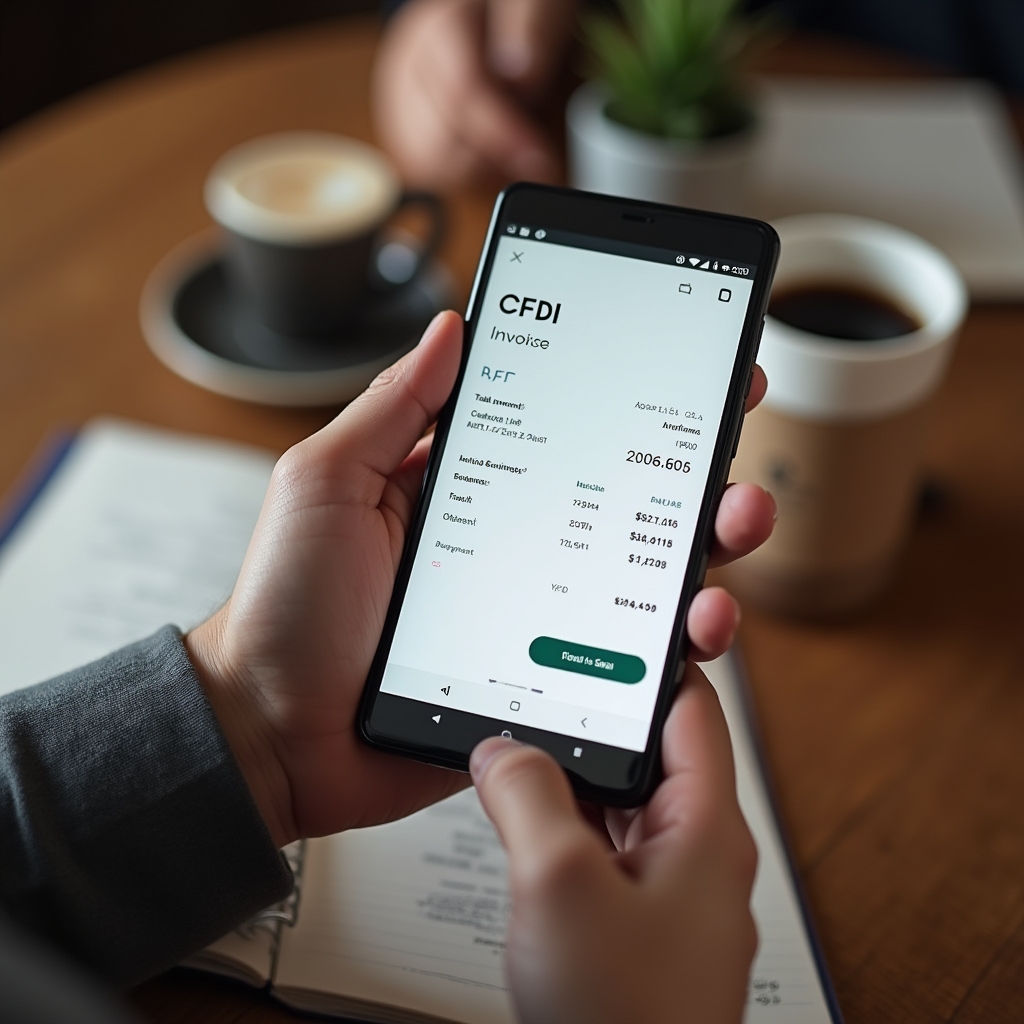
Completing the full invoicing process from a smartphone. Participants practice on their own devices so they can replicate the process independently.
Dedicated time to work through participants' specific business situations: what to do when a client requests a CFDI after the fact, how to handle different payment methods, and other common scenarios.
Prepare for your session
Your RFC
Your Registro Federal de Contribuyentes number. This is assigned when you register with SAT and is required to access the portal and issue invoices.
SAT Access Credentials
Your e.firma (electronic signature) or Contraseña (password) for the SAT portal. Without these, you cannot log in or issue invoices during the session.
Your Phone or Laptop
Bring the device you plan to use for invoicing in your daily business. The goal is that you practice on your actual device, not a borrowed one.
Internet Connection
Wi-Fi is available at the session venue. You may also use your mobile data. A stable connection is needed to access the SAT portal in real time.
Ready to take the next step?
Contact us to find out about upcoming session dates and reserve your place in the program.
Register for a Session